Surtitling software for theatre and opera
Live titles for stage and screen.
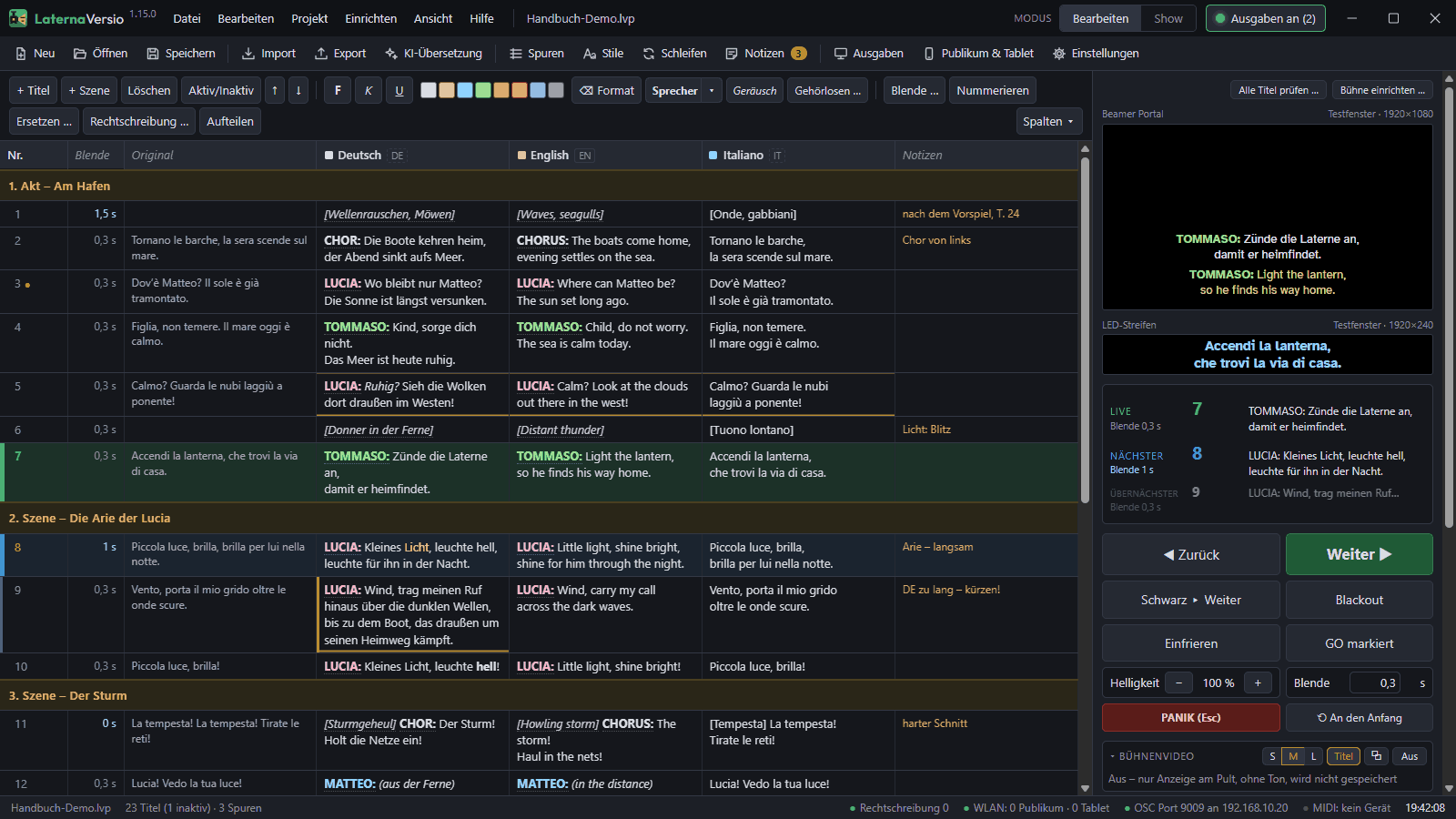
LaternaVersio prepares surtitles, sets up projectors, LED and phones, and runs them safely through every performance – prepared at the desk, set up in the auditorium, run with one GO.
Runs offline in your venue · for Windows · for institutions only
Three things you can rely on
1Safe during the show
Show lock without a password, every change through black, panic with one key: Esc. A backup computer follows live and takes over by itself.
2Offline in your venue
No internet and no account during the performance. The AI translation aid runs on your own computer – a person reviews every suggestion.
3Titles on projector, LED and phone
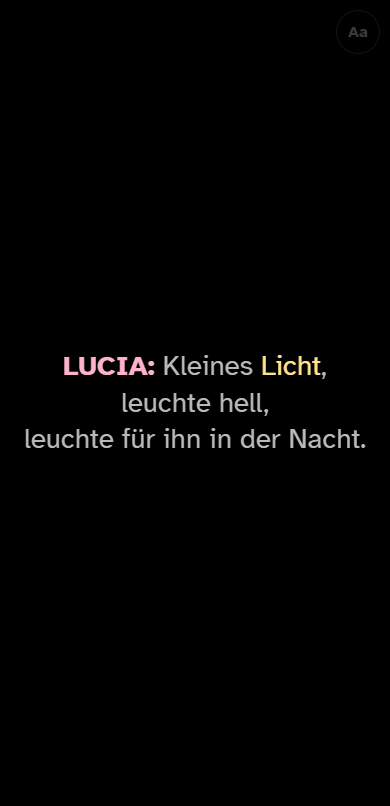
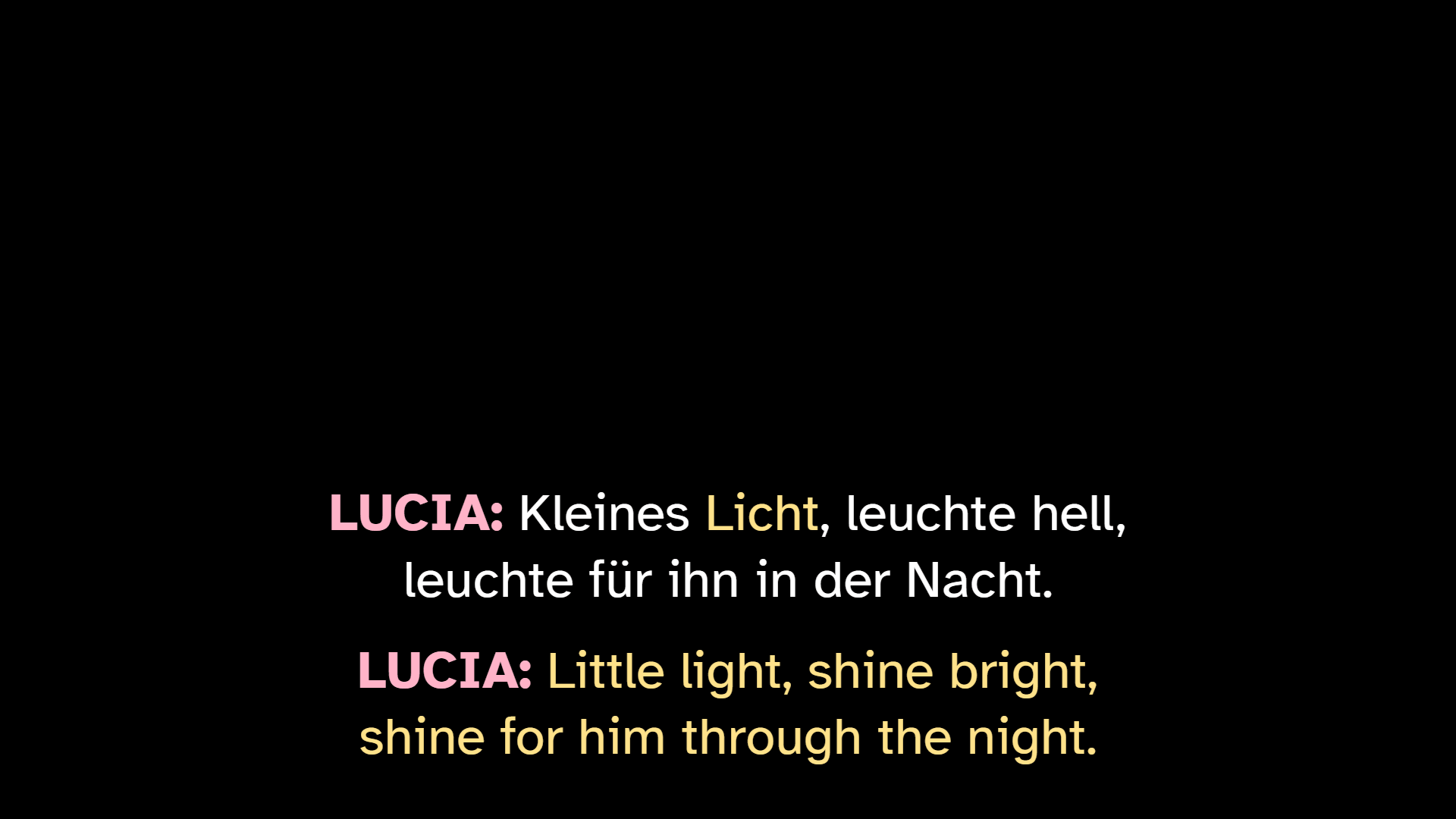
Several outputs at once, each with its own language, font and position. Phones in the auditorium show the titles over the venue’s wireless network, without an app.
Who is it for?
Theatre and opera
Titles in several languages, the score at the desk, a backup computer.
MoreDramaturgy and translation
Texts, characters, versions – without the technical side in the way.
MoreTechnical management
Network, ports, behaviour on faults, interfaces.
MoreUniversities and training
Training sessions with the example opera and exercises.
MoreFrom preparation to the final curtain
- Prepare: take the text from Word, Excel, PDF or the score, translate it, colour the characters and name them per language.
- Rehearse: measure reading time, write rehearsal notes, the score with markers.
- Show: GO, Next, Blackout, Panic – everything else is locked.
Would you like to see LaternaVersio in your venue?
We show it to you with the example opera “LaternaVersio” – by screen sharing or on site.